a senior product designer
who builds interfaces that disappear into the experience, guiding users forward without a second thought.
Melbourne, AU
One project.
Evolving scope.
Designing a connected quote variation experience that lets businesses change project scope without losing its financial history.
Company
WorkflowMAX
Platform
B2B SaaS · Web
Role · Scope
Lead Product Designer
Discovery to launch
Collaborate with
PM
Software Engineers
Customer Success
Operation Partners
62%
Eligible customer adoption
49.2%
Weekly return rate
57%
Repeat organisation use
01 · THE CHALLENGE
Scope changed.
The business saw one evolving project, but the product recorded multiple disconnected ones.
WorkflowMax is job management software that connects quoting, project delivery, costs, and invoicing for service businesses.
Projects rarely proceed exactly as quoted. Work gets added, reduced, replaced, or cancelled after the original quote is accepted.
Previously, these changes were often captured as another quote or project. Each new record became disconnected from the original, splitting the financial story across multiple places.
01
Context was lost
Users reopened the original agreement and manually compared it with every new record.
02
Financials fragmented
Current value, budget, and profitability were distributed across disconnected quotes.
03
History disappeared
It was difficult to know which variation changed a particular task or cost.
02 · RESEARCH
Understanding how businesses manage changing scope
I combined feature requests, NPS feedback, customer interviews, survey responses, and product analysis. 142 pain-point highlights were synthesised into themes around job impact, tracking, and confirmation, all shaped by scope changes.
142
pain-point highlights


01
Needed to see the impact while shaping a variation
“A variation is not always additional work.”
As customers added, increased, reduced, updated, or cancelled scope, they needed to compare each change with the existing quote and understand its impact before issuing the variation.
02
The original agreement needed to remain visible
“The evidence of the original agreement lies in the document.”
The approved baseline had to stay available for reference while accepted changes updated the current financial position.
03
Accepted quotes couldn't be changed, but scope still needed to
"Once a quote is accepted, you can't just go back and change it."
Once accepted, a quote became a locked agreement and couldn't be edited directly. New scope changes had to be captured separately, each needing its own acceptance before it could affect the project.
04
Every changed item needed a traceable history
“I need to understand what changed, when it changed, and which variation caused it.”
Because scope often changed while a project was already in progress, operations teams and customers needed to trace how and when each task and cost item evolved across variations.
03 · KEY INSIGHT
A variation needed to be separate, but not disconnected.
Separate enough to
Carry its own status, approval, document, and client communication.
Connected enough to
Keep the original quote visible, update the job, and explain the current financial position.
04 ·Design direction
Four principles shaped the system
01
Keep the baseline visible
Retain the Original Quote as a reference while accepted variations update the Current Quote.
02
Make differences visible
Show what changed without relying on memory or manual comparison.
03
Connect scope to money
Translate every change into its impact on value, budget, and profit.
04
Maintain traceability
Keep history connected from the entire quote down to each item.
05 · The solution
Change the scope.
Understand the impact.
Trace the history.
The experience moves through three connected levels: action, understanding, and evidence.
01 Change the scope
Edit with context
Users create a variation directly from the existing quote, keeping the approved scope visible while they add, increase, reduce, update, or cancel items.
Automatic Classification
New, Increased, Reduced, Updated, and Cancelled states are derived from the previous approved values.

Difference-First Design
Old and new values stay together, making the financial delta immediately legible.
Reversible Actions
Cancellation and restoration preserve confidence while scope is still being shaped.
02 Understand the project
The project remains one financial story
Every variation remains attached to the original quote, creating one continuous view of accepted changes, pending value, budget, and gross profit.

Layered Summary Metrics
The six indicators ordered from past to present to future: budget and initial quote on the left, current status in the middle, and items needing review on the right.
Dual-Axis Trend Chart
The left axis (Amount) and right axis (Margin %) are separated so dollar figures (Budget, Accepted Quote) and percentage data (Gross Profit %) can sit on the same chart without distorting either scale. The X-axis isn't chronological time, it's the variation history (V1 → V2), so the chart tells the story of how the project's finances shifted through each change event.
Contextual Tooltip on Hover
Hovering a marker brings up a tooltip with budget, accepted net quote, the change from the previous point, and gross profit margin all in one place, surfacing detail the chart alone can't show.
Independent Variation Progress
While the financial evolution is told as one continuous story, each variation still moves through its own independent progress, separate from the aggregate view above. A single variation can sit in Draft, get Accepted, or be declined without disrupting the overall narrative of budget, quote, and margin. This lets users track the big picture and the status of individual line items at the same time, without one view collapsing into the other.
03 Trace the evidence
Follow every item through variations
Project-level history continues down to service and material items, showing when each item was introduced, increased, reduced, updated, or cancelled.

Inline Expansion Without Losing Context
Clicking a line item expands the Variation History panel directly below the table, with no page navigation. This lets users check detailed change history while staying anchored in the list they came from.
Layout Built Around Recency, Not Volume
Variation history can realistically grow to dozens of entries, but users mostly care about the most recent change, not the full archive.
A list would render every entry vertically, forcing long scrolls or added filtering just to surface what's recent.
A horizontal card layout solves this naturally: the latest entry sits up front, while older ones fall out of view unless deliberately scrolled to, matching how people actually use this history, quick recent checks, occasional deep dives into the past.
06 · Validation before fidelity
Testing the AI-built prototype before polishing the UI
Before moving into hi-fi design, I used vibe coding to build an interactive prototype. This let us test real workflows instead of static screens and validate most core assumptions while changes were still inexpensive.
WORKING PROTOTYPE
Try creating a quote variation
Edit an existing item, add new scope, or cancel an item. Watch how each action changes the variation total while preserving the Current Quote for comparison.
01
Edit a line item
02
Add or cancel scope
03
Compare the financial impact
This is an example prototype. The real prototype covered a wider scope to test the full quoting experience cycle.
What the prototype validated
Original and Current Quote were clearly distinguished
Positive and negative change states were understood
Financial impact could be interpreted without manual calculation
Individual items could be traced across variations
Prototype → test → refine → hi-fi
Testing the working prototype before visual refinement reduced the risk of perfecting the wrong interaction.

< Feedback matrix >
07 · OUTCOMES
From disconnected workarounds
to repeat adoption
The strongest signal was not simply the number of variations created. Customers created them repeatedly and returned to understand their cumulative impact on the wider project. The feature has since become a strong driver of plan upgrades now.
62%
Eligible customer adoption
75 of 121 eligible customer organisations created variations
57%
Repeat organisation use
43 of the 75 adopting organisations created more than one variation
49.2%
Weekly return rate
Returned to the connected Job Budget experience within one week
20.3×
of the adoption target
813 variations were created against the launch target of 40
08 · REFLECTION
Designing the model before the interface.
This project reinforced that complex workflow problems are often information model problems before they are UI problems. The turning point was defining how the Original Quote, Variations, Current Quote, and Job Budget should relate.
Building an interactive prototype before hi-fi made that structure tangible. We tested positive and negative changes, acceptance, and downstream job impact early, then entered visual design with most core workflow assumptions already validated.
Make the relationships clear first. The interface becomes simpler after that.
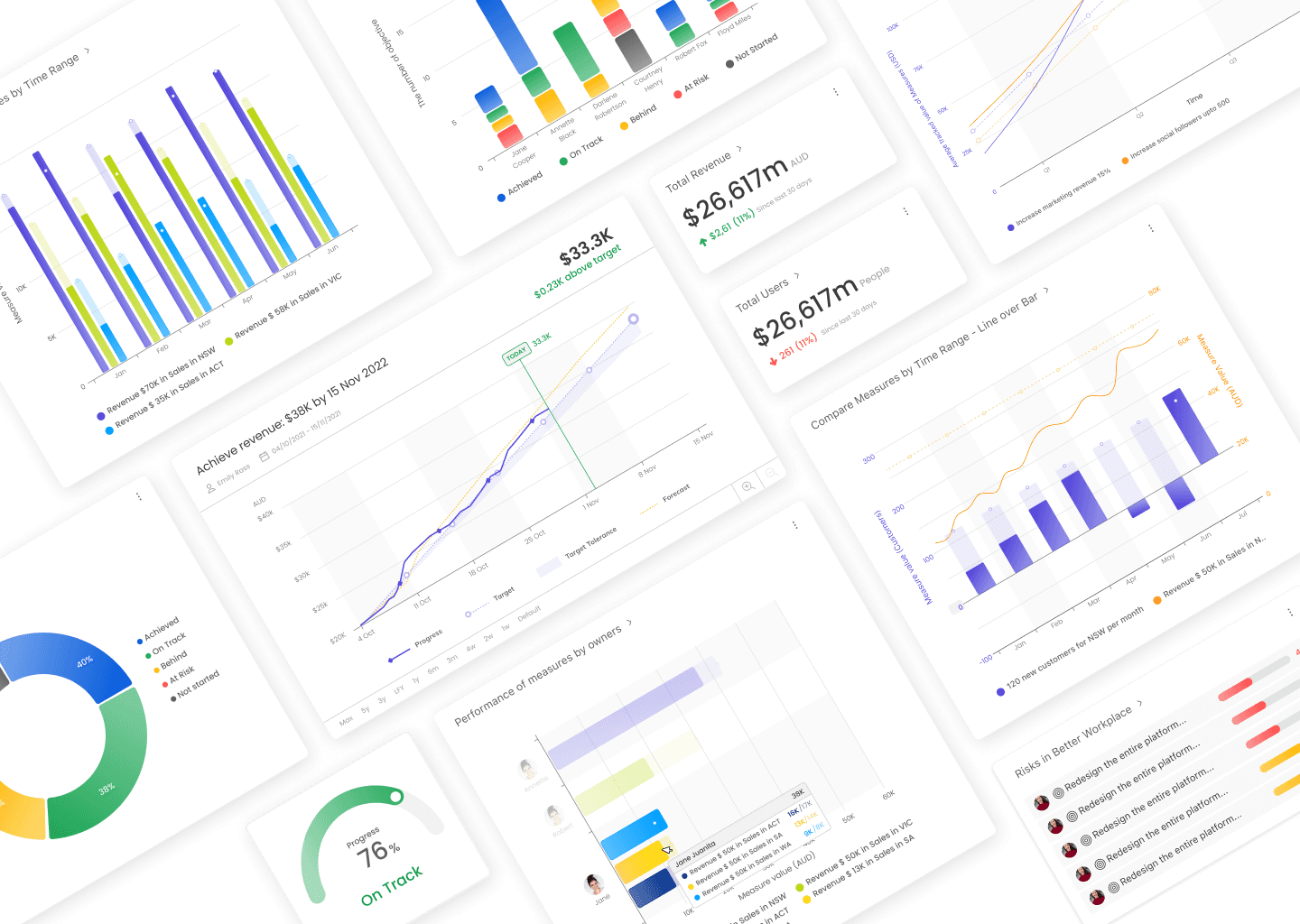
To help new users reach value faster, without limiting the flexibility advanced users needed.
B2B SaaS
Time-to-Value
Data Analytics

Redesigning trust, not just the streets
Service Design
Government
Local Community